# FAST-LIO-LOCALIZATION
A simple localization framework that can re-localize in built maps based on [FAST-LIO](https://github.com/hku-mars/FAST_LIO).
## Features
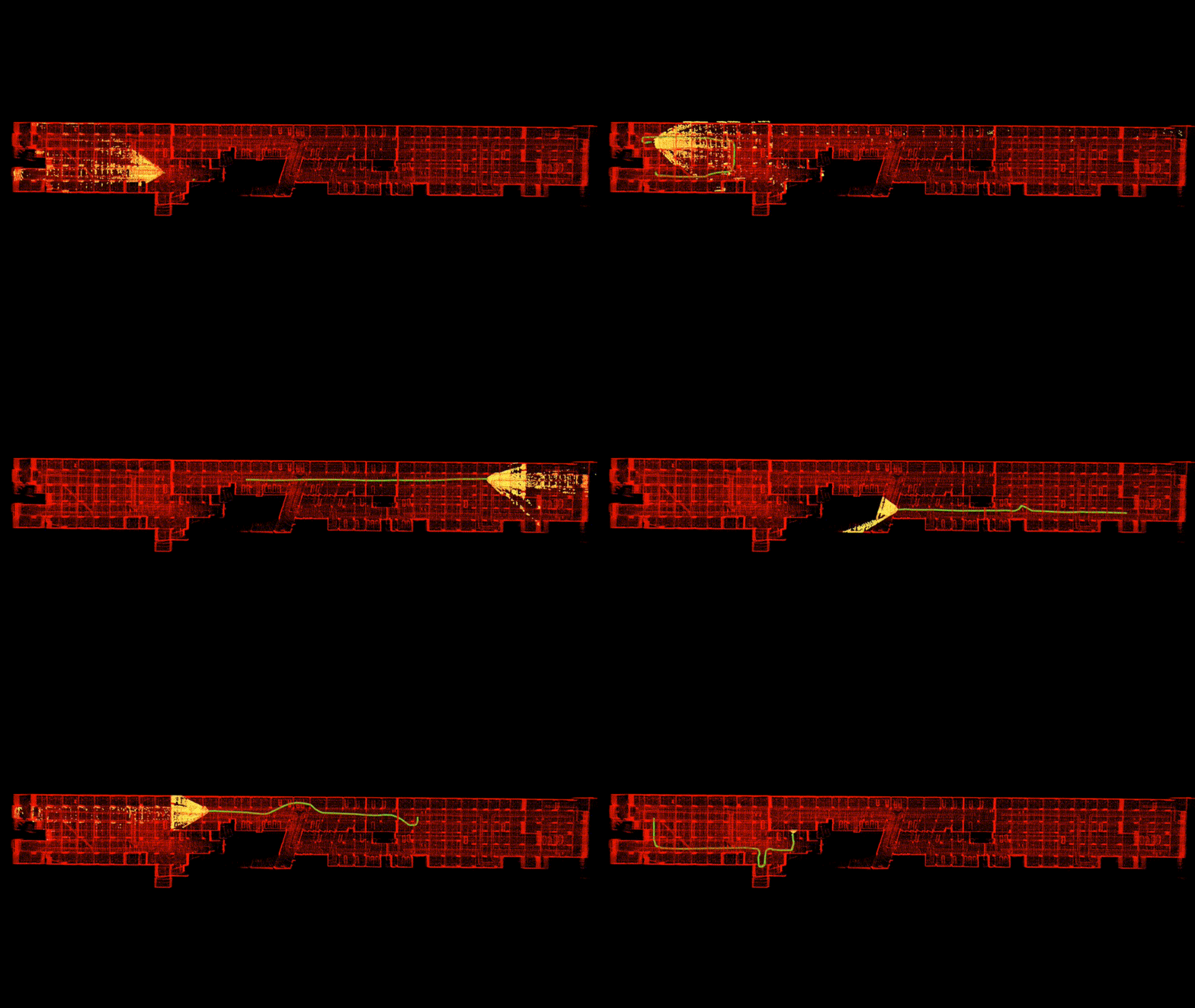
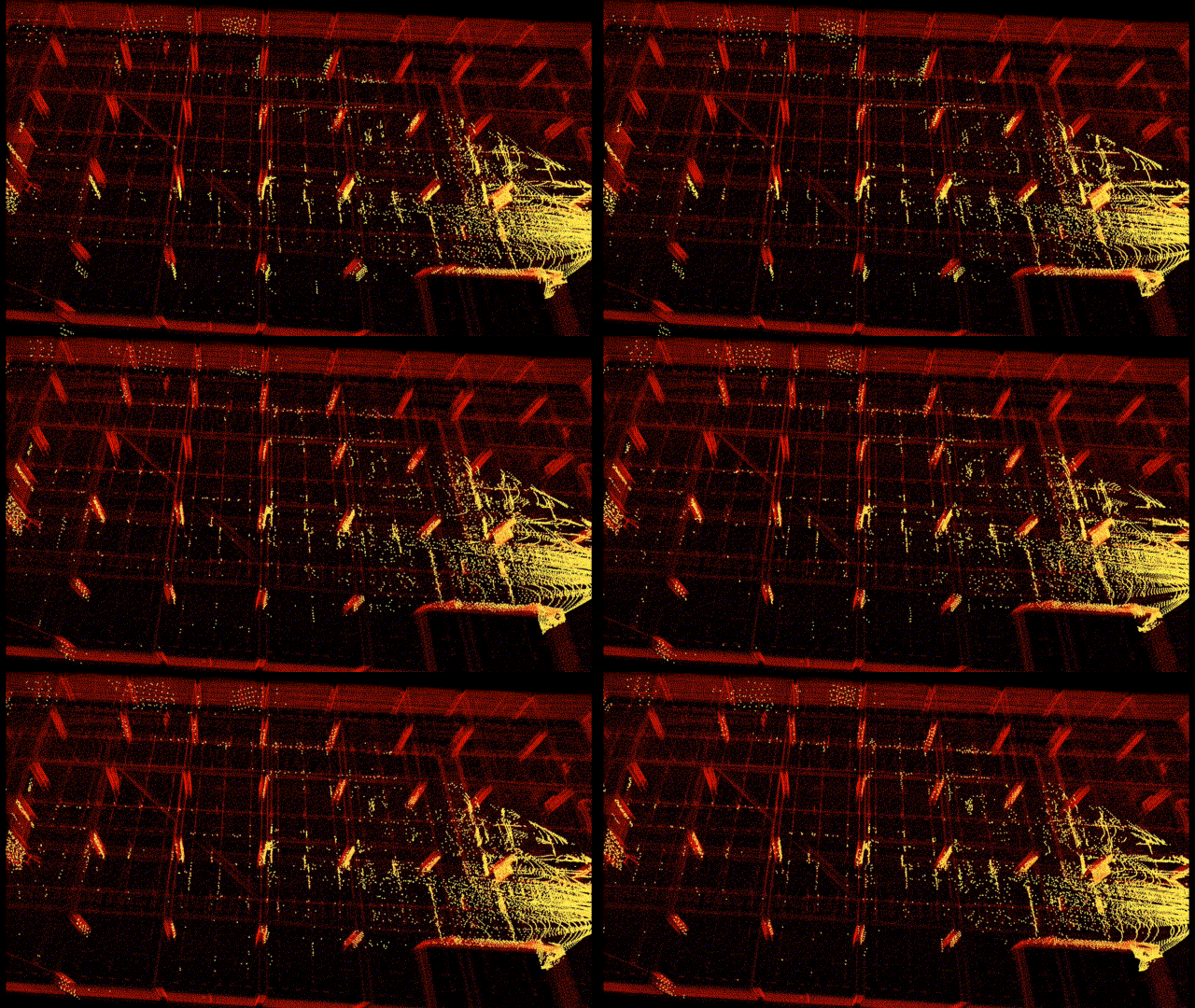
- Realtime 3D global localization in a pre-built point cloud map.
By fusing low-frequency global localization (about 0.5~0.2Hz), and high-frequency odometry from FAST-LIO, the entire system is computationally efficient.
- Eliminate the accumulative error of odometry.
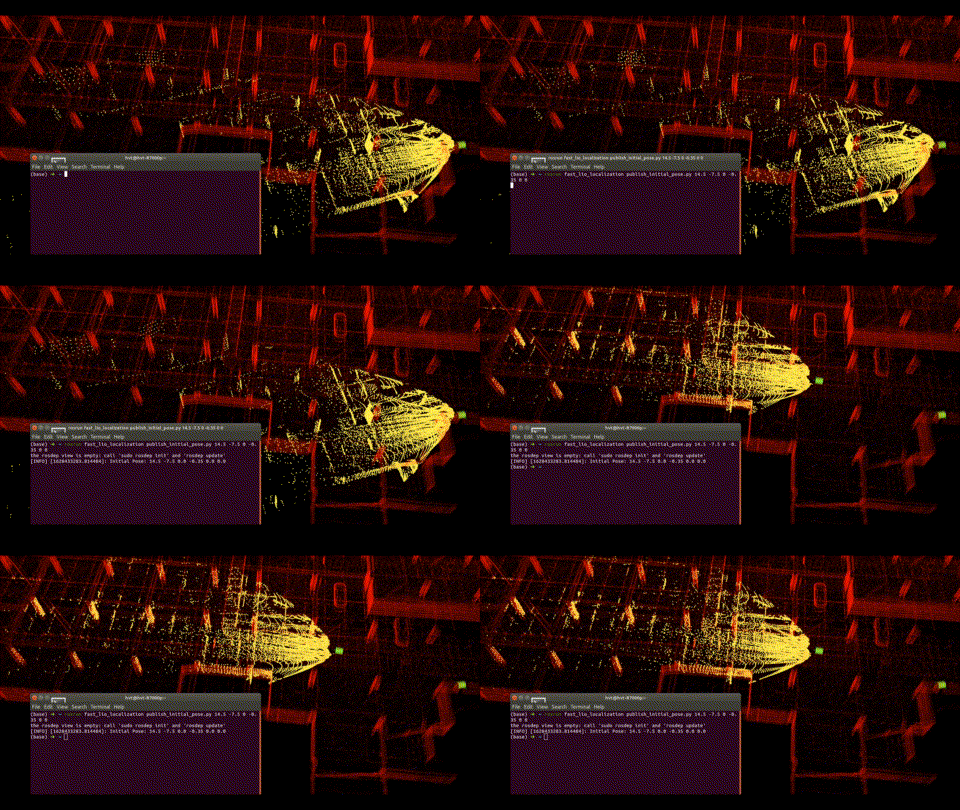
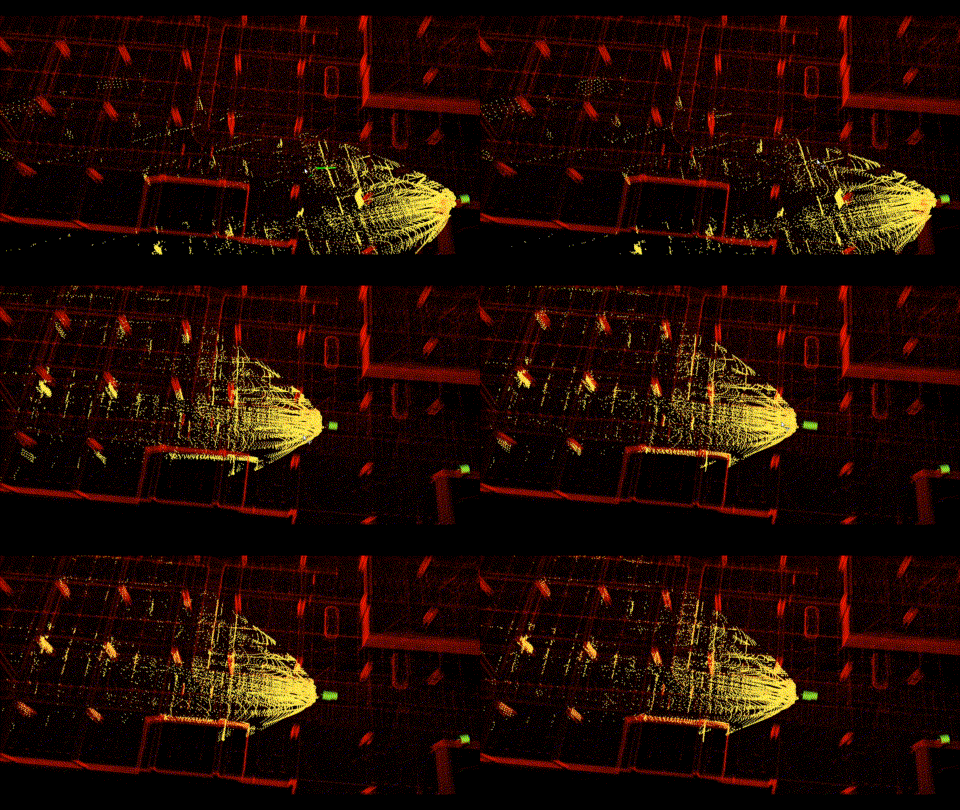
- The initial localization can be provided either by rough manual estimation from RVIZ, or pose from another sensor/algorithm.
## Prerequisites
### 1.1 Dependencies for FAST-LIO
Technically, if you have built and run FAST-LIO before, you may skip this section.
This part of dependency is consistent with FAST-LIO, please refer to the documentation https://github.com/hku-mars/FAST_LIO#1-prerequisites
### 1.2 Dependencies for localization module
- python 2.7
- [ros_numpy](https://github.com/eric-wieser/ros_numpy)
- [python-pcl](https://github.com/strawlab/python-pcl)
Notice that, if using **Ubuntu 18.04** with native **PCL 1.8**, there may be issue after installing **python-pcl** through pip,
please refer to https://github.com/barrygxwan/Python-PCL-Ubuntu18.04, download the **.whl** file and then install.
## 2. Build
Clone the repository and catkin_make:
```
cd ~/$A_ROS_DIR$/src
git clone https://github.com/hviktortsoi/FAST_LIO_LOCALIZATION.git
cd FAST_LIO_LOCALIZATION
git submodule update --init
cd ../..
catkin_make
source devel/setup.bash
```
- Remember to source the livox_ros_driver before build (follow 1.3 **livox_ros_driver**)
- If you want to use a custom build of PCL, add the following line to ~/.bashrc
```export PCL_ROOT={CUSTOM_PCL_PATH}```
## 3. Run Localization
### Sample Dataset
Demo rosbag in a large underground garage:
[Baidu Pan (Code: ne8d)](https://pan.baidu.com/s/1ceBiIAUqHa1vY3QjWpxwNA);
Corresponding map: [Baidu Pan (Code: kw6f)](https://pan.baidu.com/s/1Yw4vY3kEK8x2g-AsBi6VCw)
The map can be built using LIO-SAM or FAST-LIO-SLAM.
### Run
1. First, please make sure you're using **Python 2.7** environment;
2. Run localization, here we take Livox AVIA as an example:
```shell
roslaunch fast_lio_localization localization_avia.launch map:=/path/to/your/map.pcd
```
Please modify `/path/to/your/map.pcd` to your own map point cloud file path.
Wait for 3~5 seconds until the map cloud shows up in RVIZ;
3. If you are testing with the sample rosbag data:
```shell
rosbag play localization_test_scene_1.bag
```
Or if you are running realtime
```shell
roslaunch livox_ros_driver livox_lidar_msg.launch
```
4. Provide initial pose
```shell
rosrun fast_lio_localization publish_initial_pose.py 14.5 -7.5 0 -0.25 0 0
```
The numerical value **14.5 -7.5 0 -0.25 0 0** denotes 6D pose **x y z yaw pitch roll** in map frame,
which is a rough initial guess for **localization_test_scene_1.bag**.
The initial guess can also be provided by the '2D Pose Estimate' Tool in RVIZ.
Note that, during the initialization stage, it's better to keep the robot still. Or if you play bags, fistly play the bag for about 0.5s, and then pause the bag until the initialization succeed.
## Related Works
1. [FAST-LIO](https://github.com/hku-mars/FAST_LIO): A computationally efficient and robust LiDAR-inertial odometry (LIO) package
2. [FAST-LIO-SLAM](https://github.com/gisbi-kim/FAST_LIO_SLAM): The integration of FAST-LIO with [Scan-Context](https://github.com/irapkaist/scancontext) **loop closure** module.
3. [LIO-SAM_based_relocalization](https://github.com/Gaochao-hit/LIO-SAM_based_relocalization): A simple system that can relocalize a robot on a built map based on LIO-SAM.
## Acknowledgments
Thanks for the authors of [FAST-LIO](https://github.com/hku-mars/FAST_LIO) and [LIO-SAM_based_relocalization](https://github.com/Gaochao-hit/LIO-SAM_based_relocalization).